From first draft to the last yes.
No mockups here, every screen below is the real product. Build for free, publish with one payment, and watch the replies arrive. Here's the whole journey, start to finish.
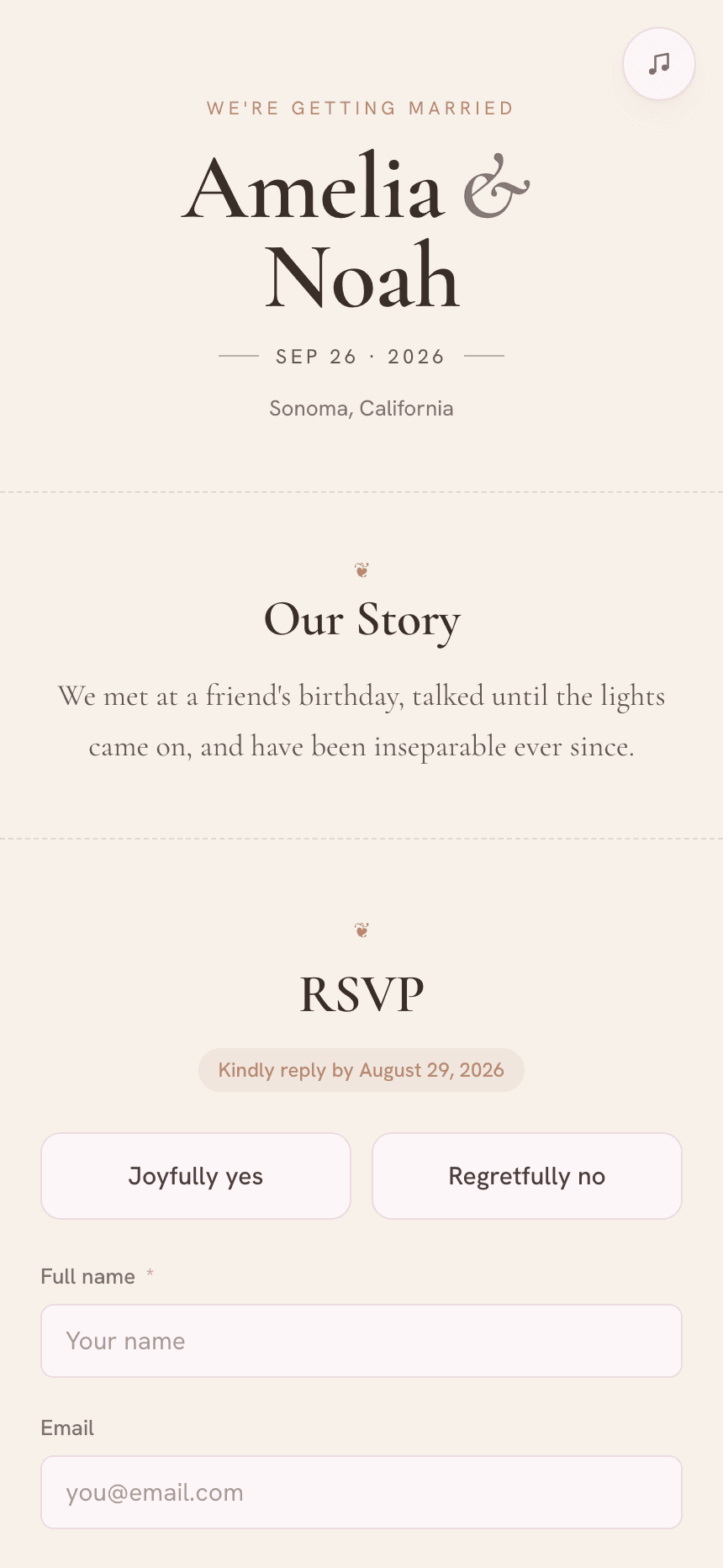
Design your invite, free
Start from one of eight animated themes, then make it yours: your names, your story, the schedule, photos and the exact RSVP questions you want to ask. A live preview shows every change as you go, and it costs nothing until you publish.
- Eight animated themes
- Edit every block + photo
- Live preview as you type
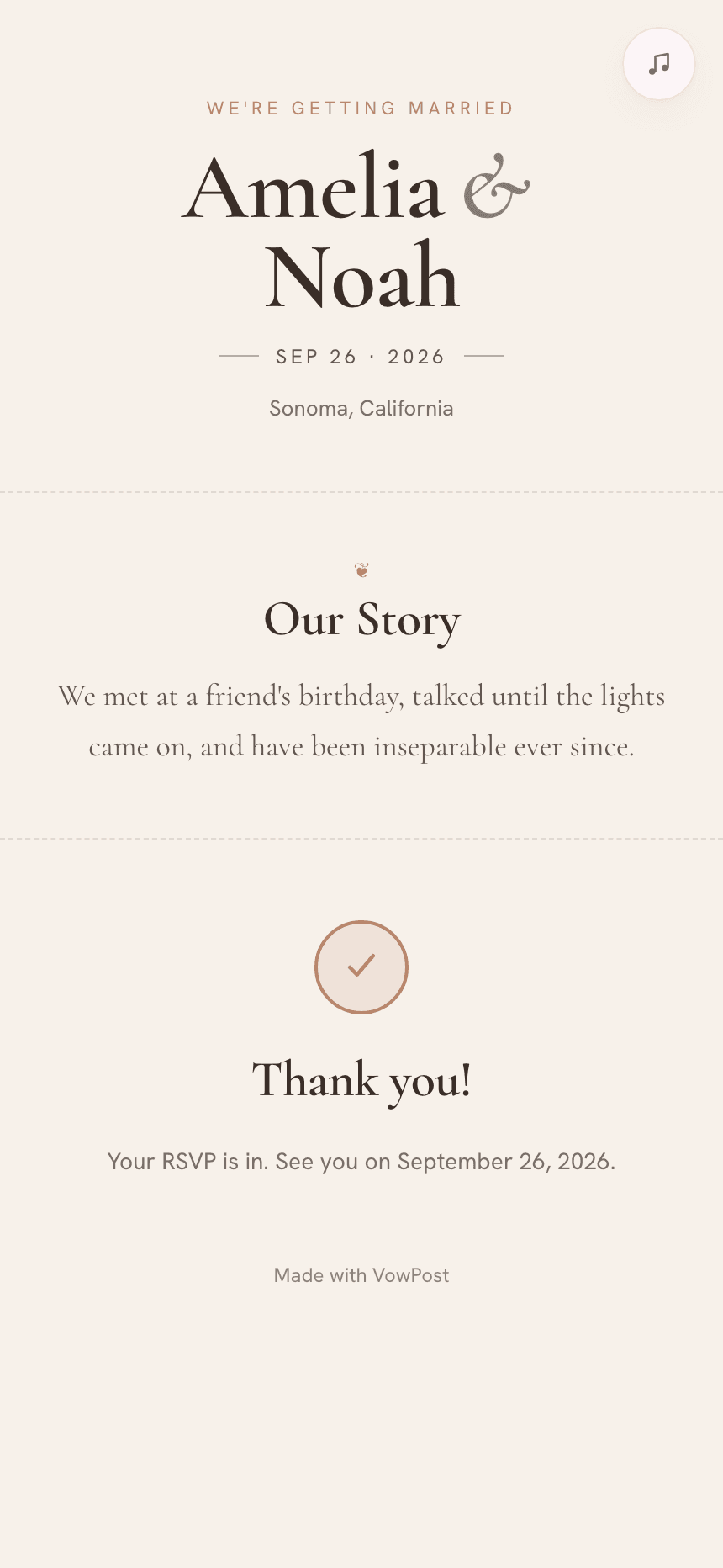
Go live with one payment
When it's ready, you pay once (no subscription, ever) and your invite goes live at its own link. Share that one link by text, email or WhatsApp. Guests don't need an app or an account to open it.
- One-time payment via Stripe
- Your own shareable link
- No app or login for guests
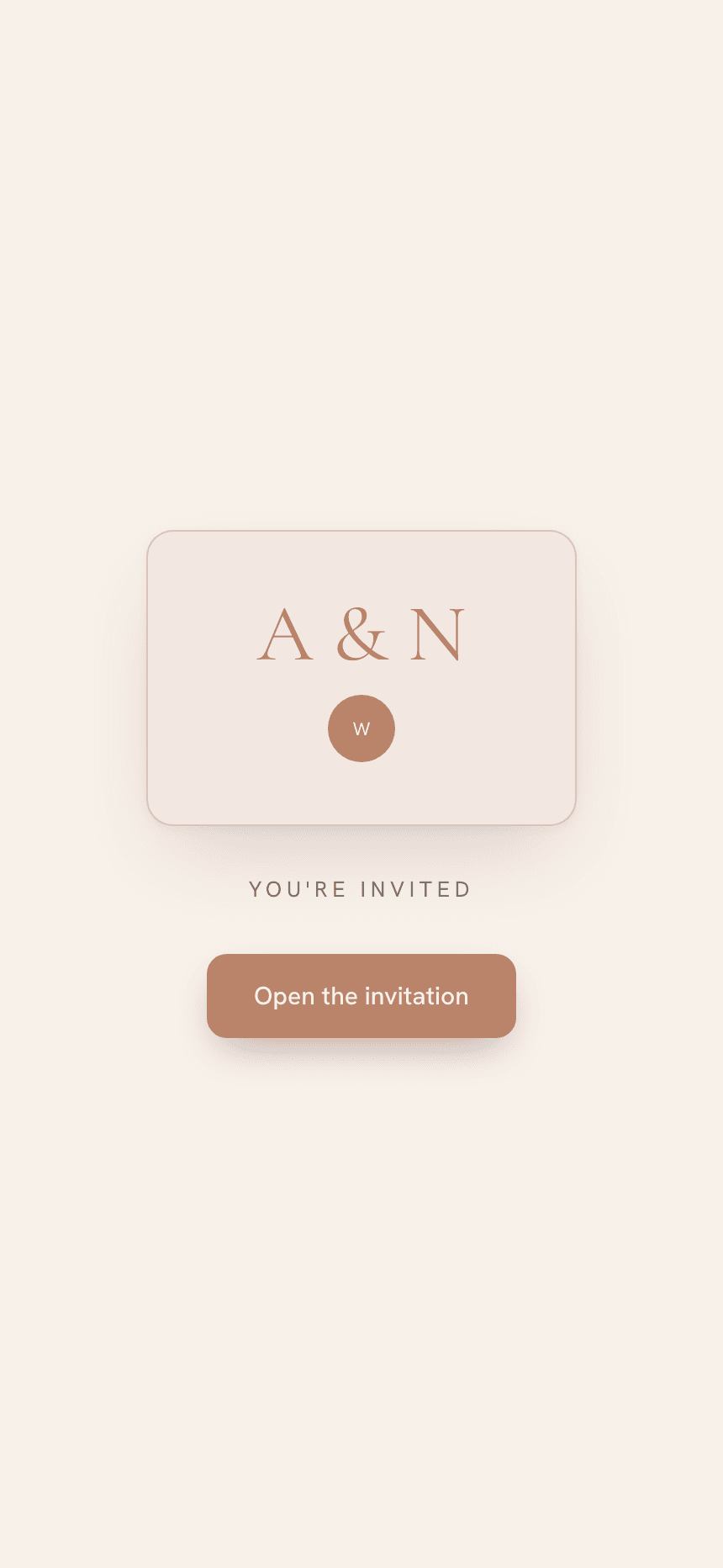
Guests open the envelope
Your guests land on a sealed envelope. They tap to open, the music begins, and your invitation unfolds: the cover, your story, the details. It's the moment that sets the tone for the whole day.
- A sealed envelope to tap
- Music plays on open
- Beautiful on every phone
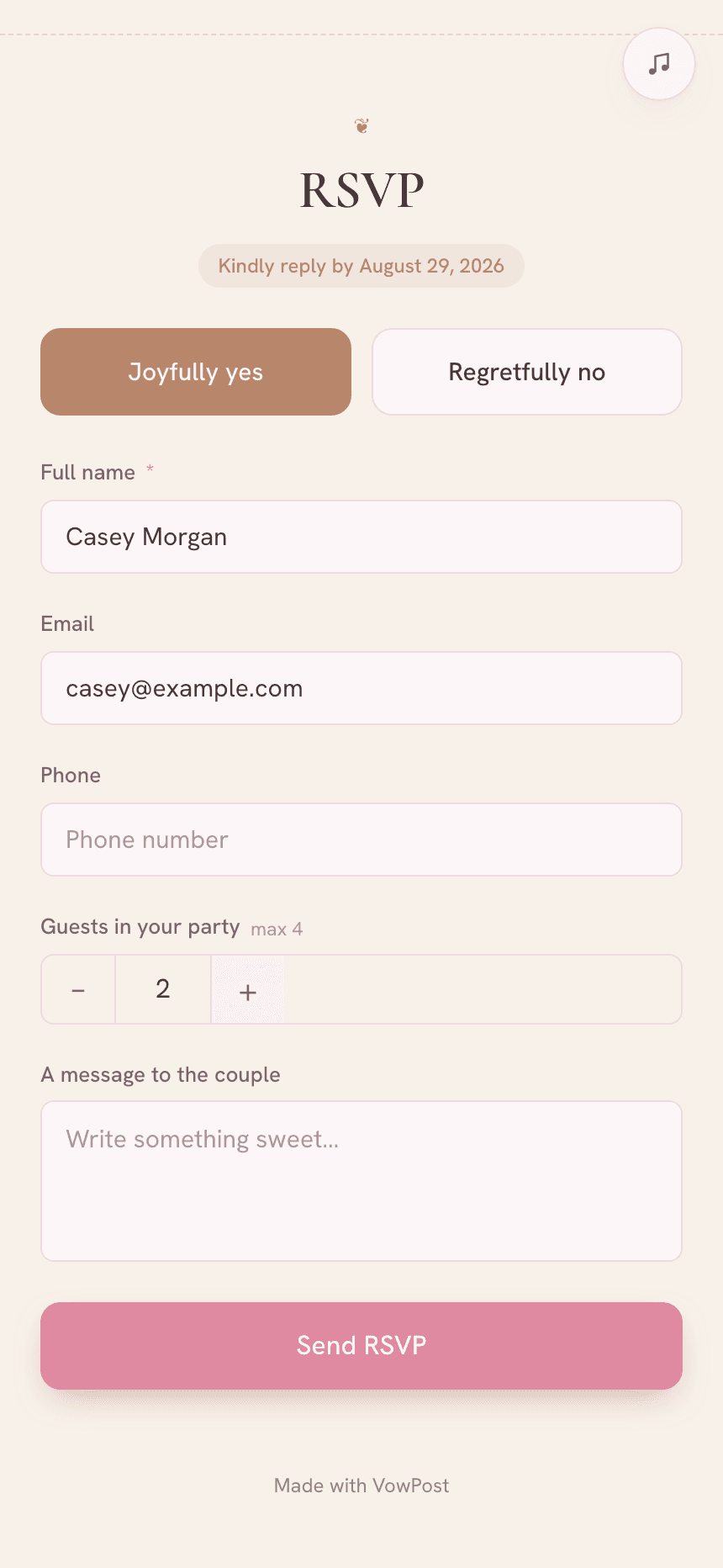
One tap to reply
Right inside the invite, guests reply joyfully yes or regretfully no, add their name, party size and a note for you. No paper cards, no chasing. Every reply is captured the moment they send it.
- Yes / no in one tap
- Party size within your cap
- A message to the couple
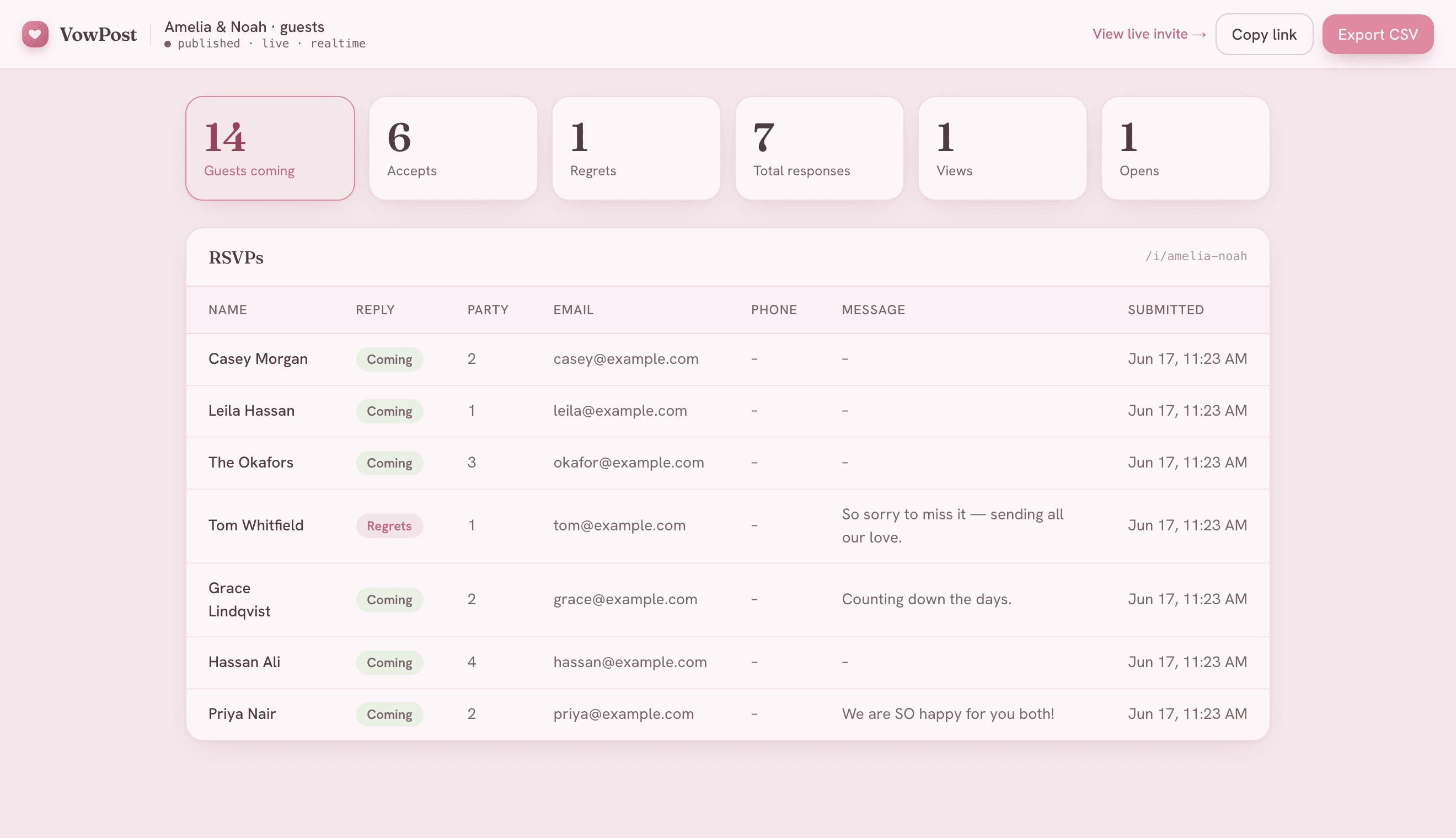
Watch the yeses roll in
Every reply lands in your dashboard in real time: who's coming, who can't, total heads, party sizes and the messages they left. Views and opens are tracked too, so you always know how the invite is landing.
- Live guest list, accepts & regrets
- Head count + party sizes
- Views & opens at a glance
What your dashboard tracks
Far more than a yes/no count: meals, dietary notes, guest groups, photos and your planning checklist, all in real time and exportable whenever you need.
See it for yourself. Start free.
Build your whole invite and preview it without paying a cent. You only pay once, when you're ready to share it.